The engagements below are illustrative — composites of the work we do, written to show how a build runs. They are not accounts of named clients, and the figures shown describe the system rather than measured results.
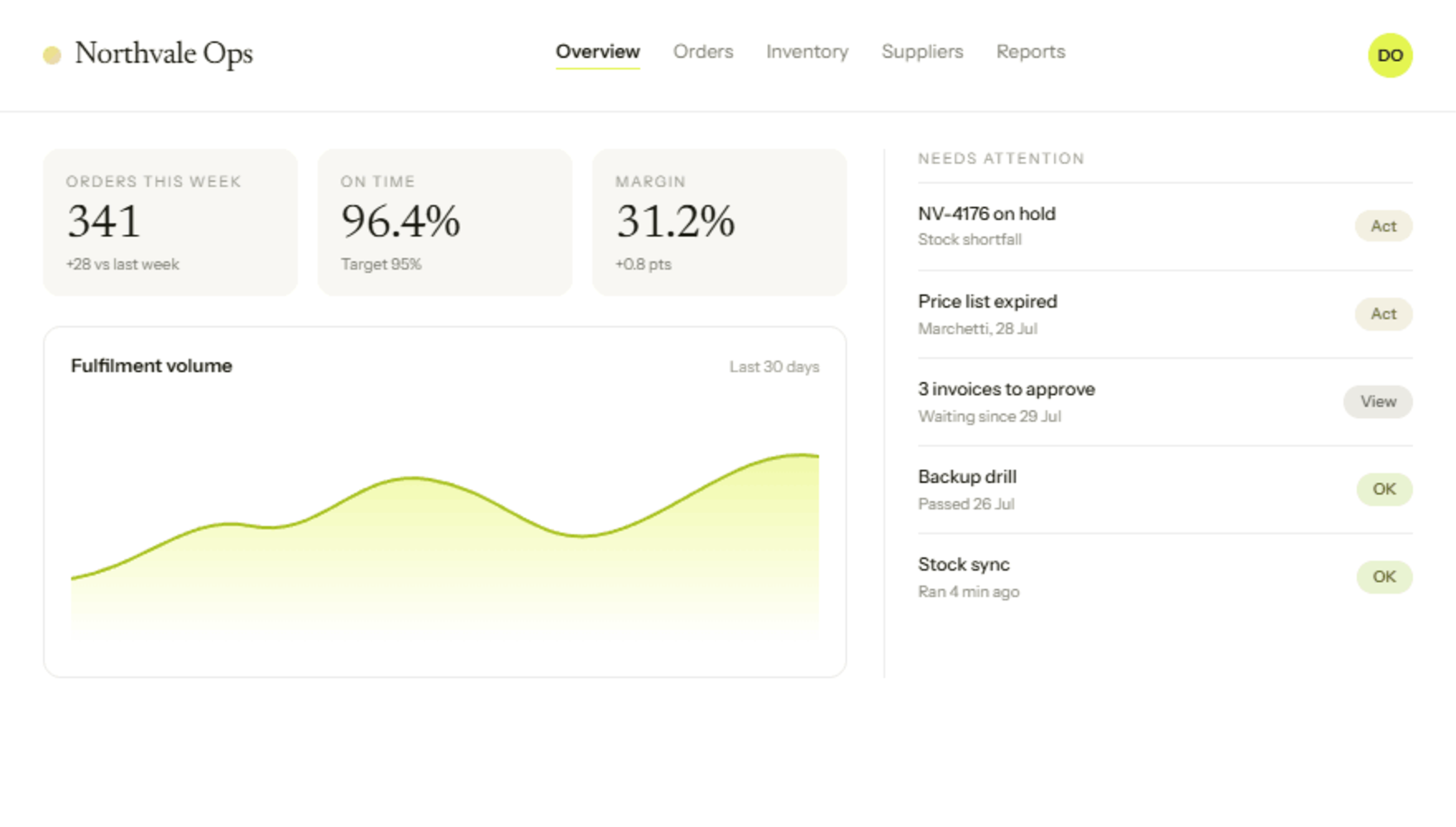
A distributor: from three spreadsheets and a whiteboard
to one operations dashboard
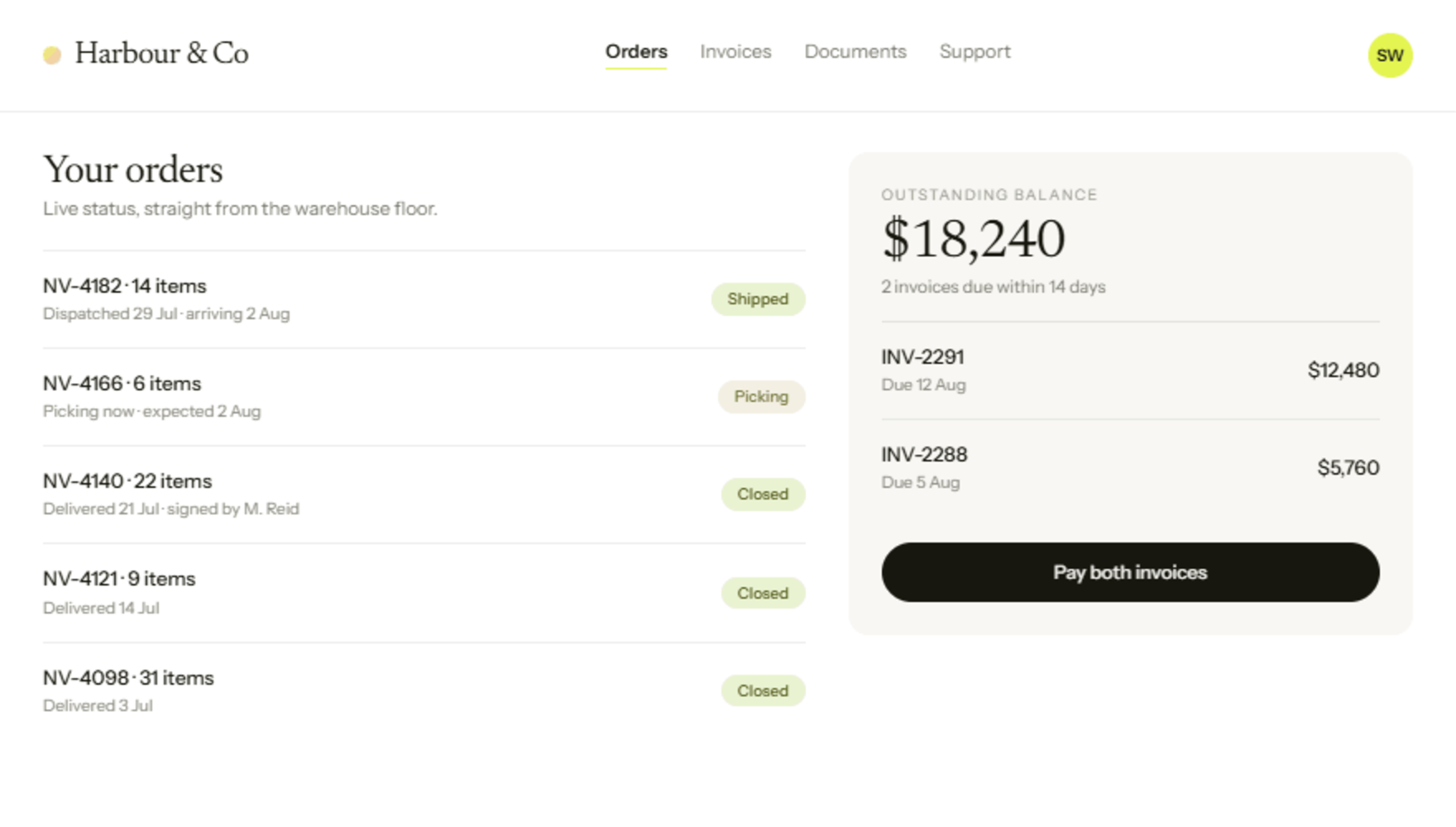
A 40-person industrial supply distributor. Orders arrived by email and phone, were re-typed into an accounting package, then tracked again on a warehouse whiteboard. Nobody could answer “what did we make on that order?” without an afternoon of work. They wanted one system their own team could run — not another subscription they'd depend on a vendor to change.
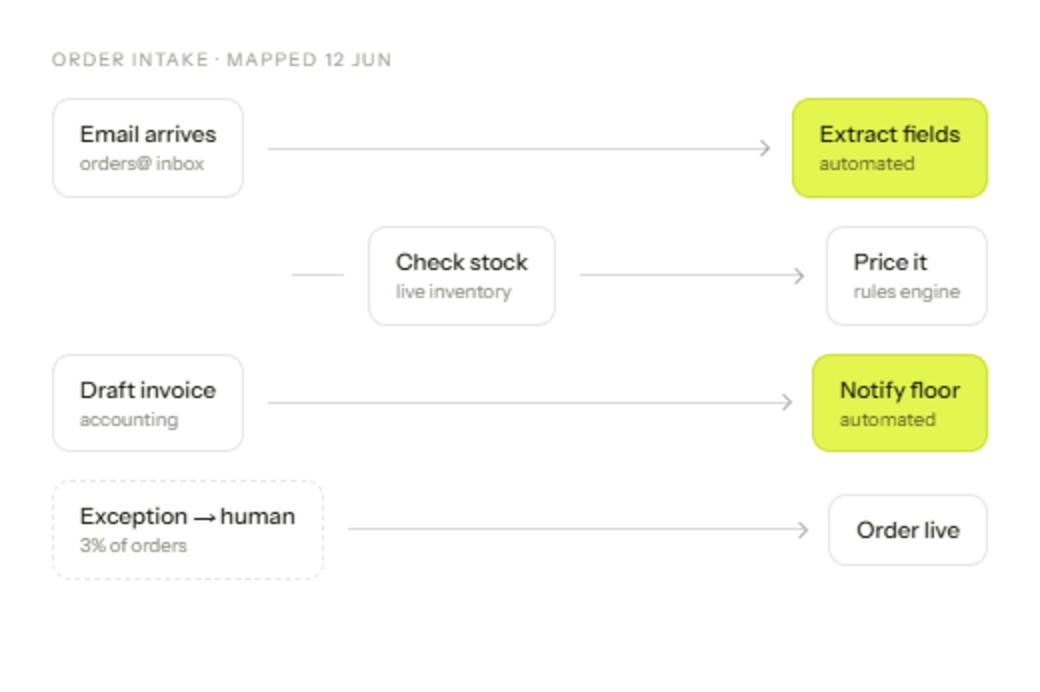

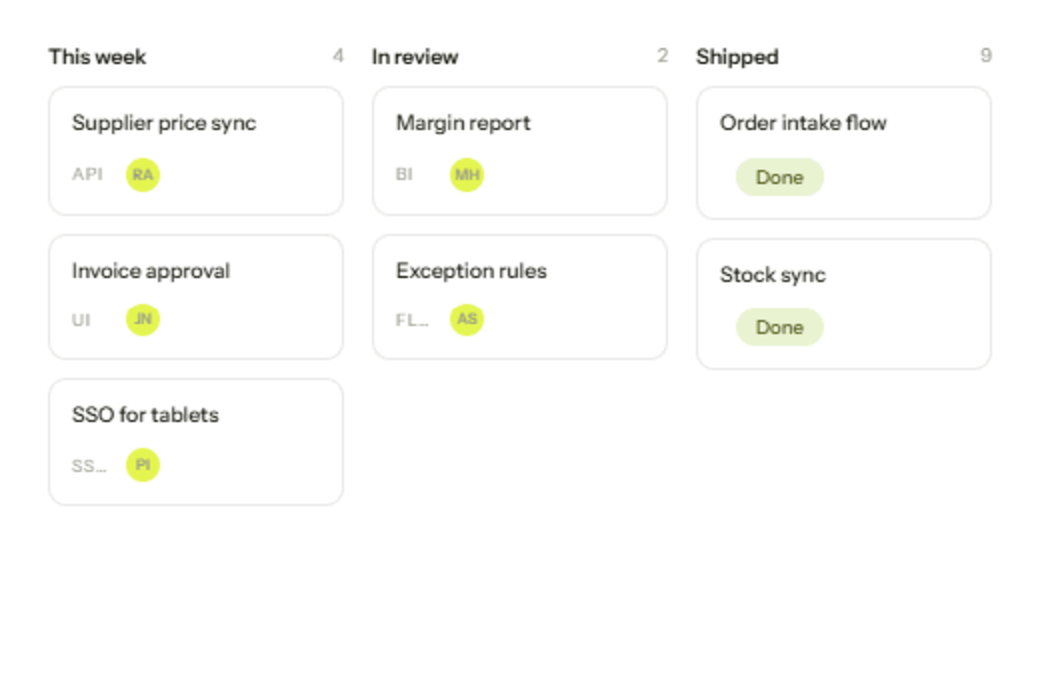
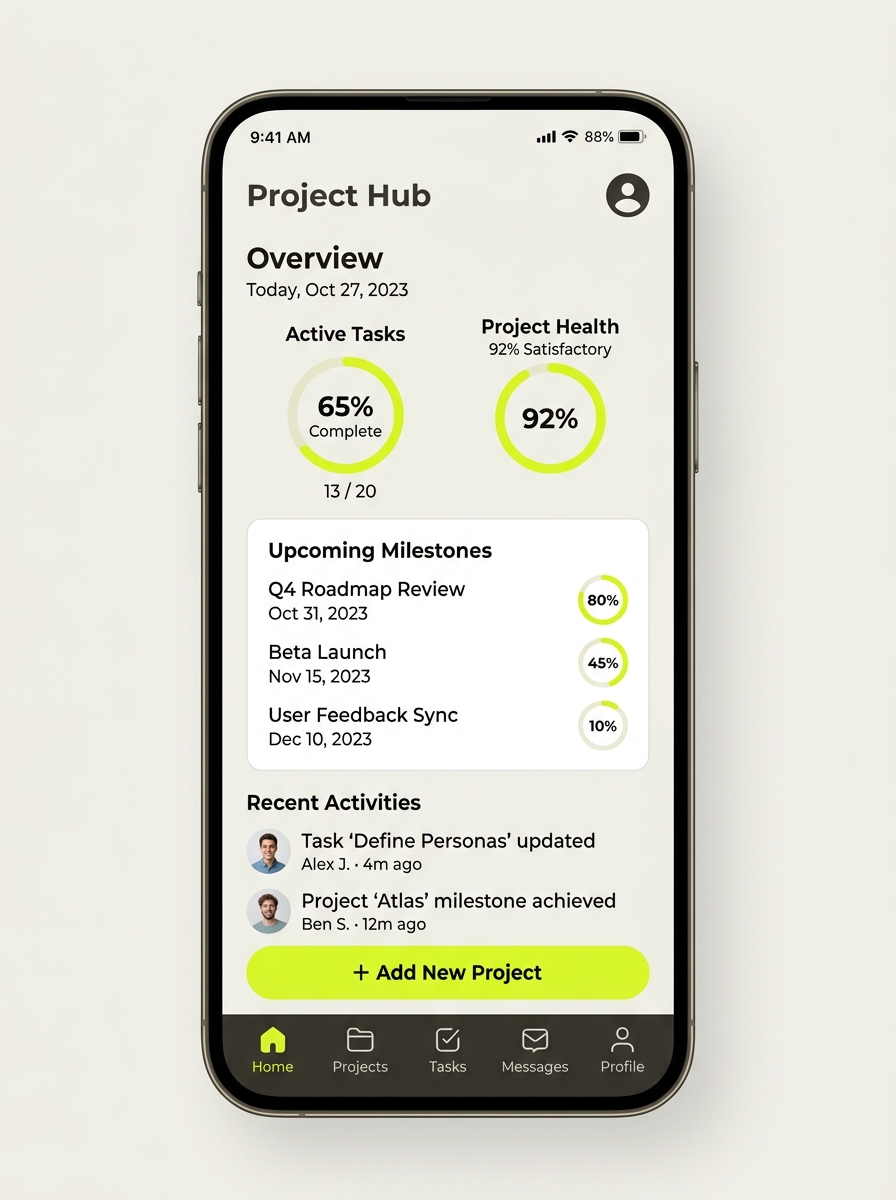
A single intake, an automated hand-off to accounting, and a live margin view the owner checks on his phone.
Key challenge
Every order was typed twice — once in email, once in the accounting package.
Stock counts lived on a whiteboard and were always a day behind reality.
Margin per order took half a day to work out, so nobody ever asked.
One intake, one source of truth
We built a single order-intake tool, wired it to their accounting package and stock data, and put a live margin dashboard on top. Their office manager now edits the workflow herself.
Adoption
Nobody needs training — it mirrors the process the team already had, minus the typing.
Speed of change
A new field asked for on Tuesday is in use by Thursday, not queued for a vendor release.
Ownership
The code and the cloud account are in the client's name from day one, not ours.
How it works
Map the workflow
Two half-days on site, following an order from inbox to invoice, timing every manual step.
Build and integrate
Weekly releases the team used immediately, so feedback arrived while it was cheap to act on.
Hand over, documented
Runbook, admin access and a recorded walkthrough. Support continues only if they want it.
What changes
The morning spent re-typing orders between systems stops existing. Nothing falls between the inbox and the accounting package, and margin per order is a screen someone can open rather than an afternoon of work.
Illustrative of the build described above — not a client statement.
How a three-site practice gets booking, reminders
and follow-up off the front desk
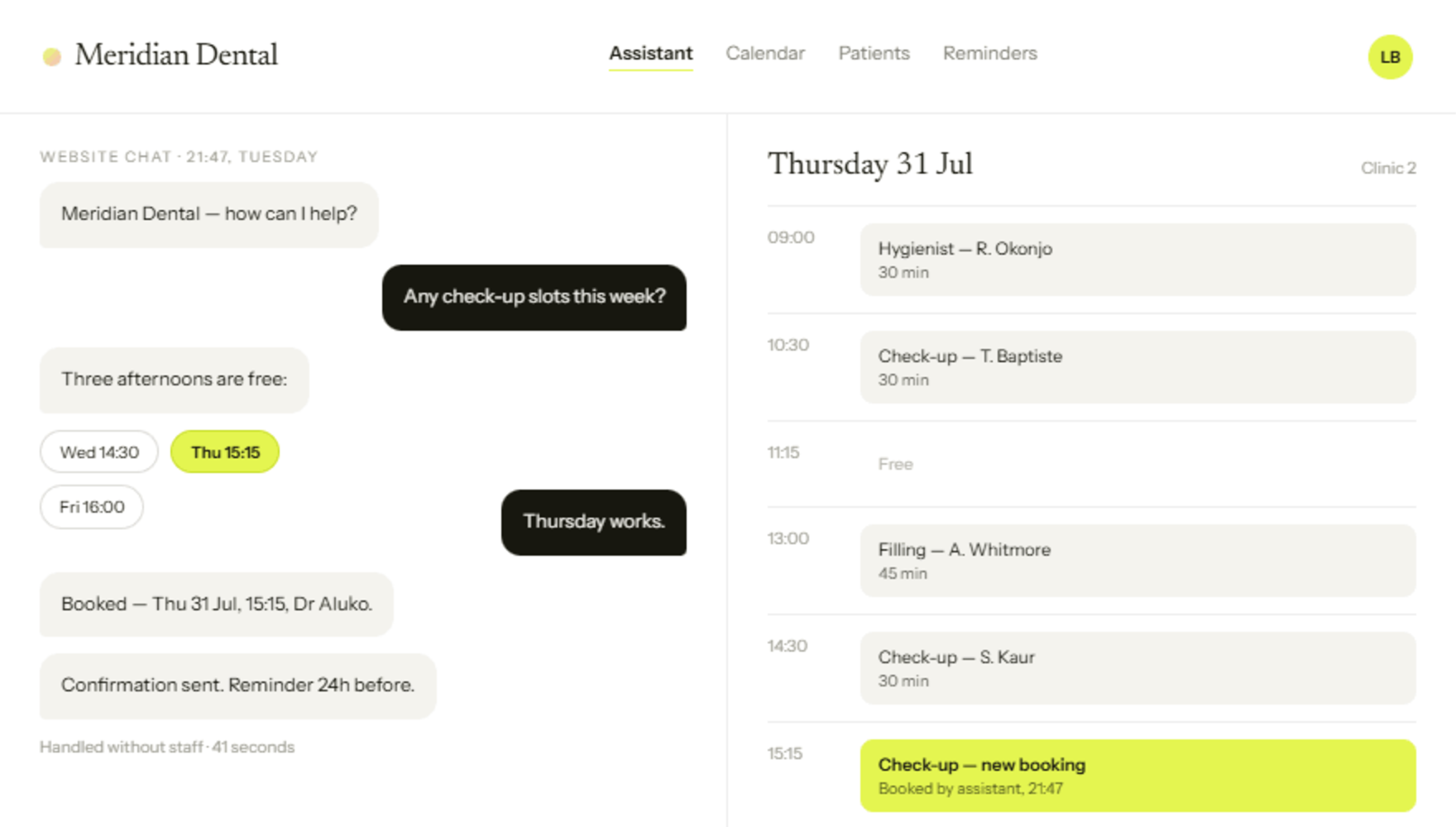
Three sites, one receptionist each, and a phone that rang all day. See how an AI assistant, calendar-synced booking and automated reminders gave the front desk its mornings back.
Key challenge:
growing with one receptionist per site
Enquiries lost after 5pm
Reminders sent by hand, when there was time
Three calendars, no shared view
An assistant that never misses a call
The practice kept its existing software. We wrapped it: an assistant on the site and phone line, calendar-aware booking, and reminder sequences that run themselves.
Read-only access to availability across all three sites means the assistant only ever offers slots that genuinely exist — no double bookings, no calls back to correct a time.
Scoped in a week. Fixed price before we start.