Nobody sets out to waste money on software. Dead spend accumulates because every individual decision was reasonable: a tool trialled for one project, seats bought for a team that has since shrunk, a plan upgraded during a busy month and never reviewed.
The reason it survives is that no one person can see all of it. Finance sees a card statement with unhelpful merchant names. Each team sees only its own tools. The picture only exists if somebody assembles it.
Start with the billing export, not the tool list
Ask people what software they use and you will get the software they remember. Export twelve months of card and bank transactions instead, sort by merchant, and total each one. The list you get back is the real one, and it is normally longer than anybody expects.
Twelve months rather than one, because annual renewals are exactly the charges that hide from a monthly view — and they are usually the largest.
The four kinds of dead spend
The tool still bills, and the last sign-in was in another financial year. Most vendors will show you last-active dates per user if you ask an admin to look.
The commonest and the easiest to fix. Licences bought for a team that has changed shape, including for people who have left.
Usually the result of two teams solving the same problem separately. Consolidating is a conversation rather than a cancellation, so it gets deferred indefinitely.
Upgraded during a peak, never stepped back down. Check the usage against the tier limits before you renew anything.
Cancel in a way that survives
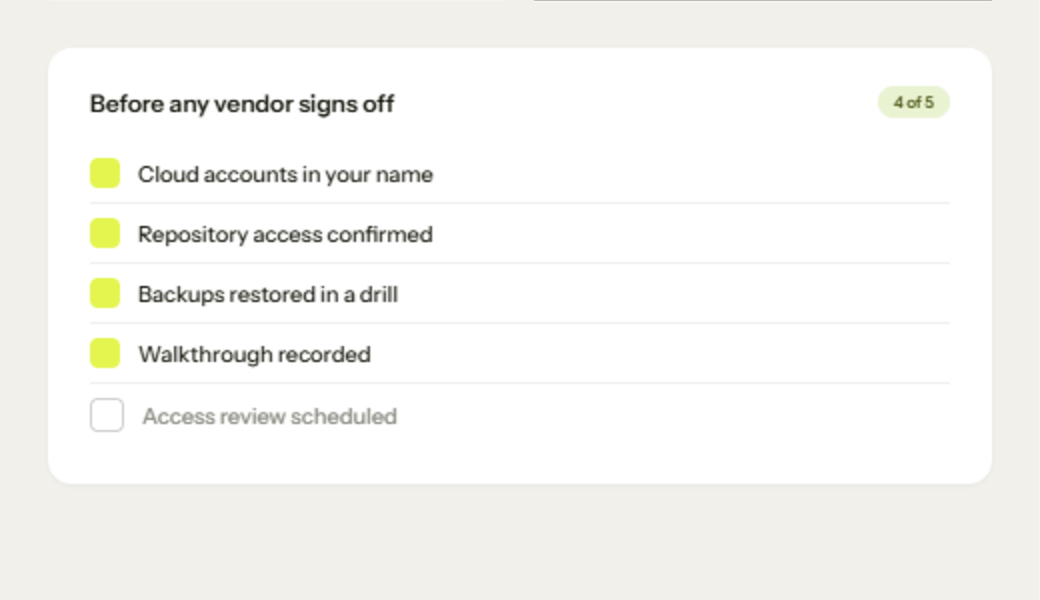
Cancelling is the easy half. Keeping it cancelled is the part that fails. Give every remaining subscription a named owner, put the renewal date in a shared calendar with a reminder two weeks before, and make an owner's sign-off the thing that renews it rather than the default.
Some tools delete your data the moment the plan lapses, and a few do it before the period you have paid for ends. Take the export first, confirm you can open it, and only then cancel.
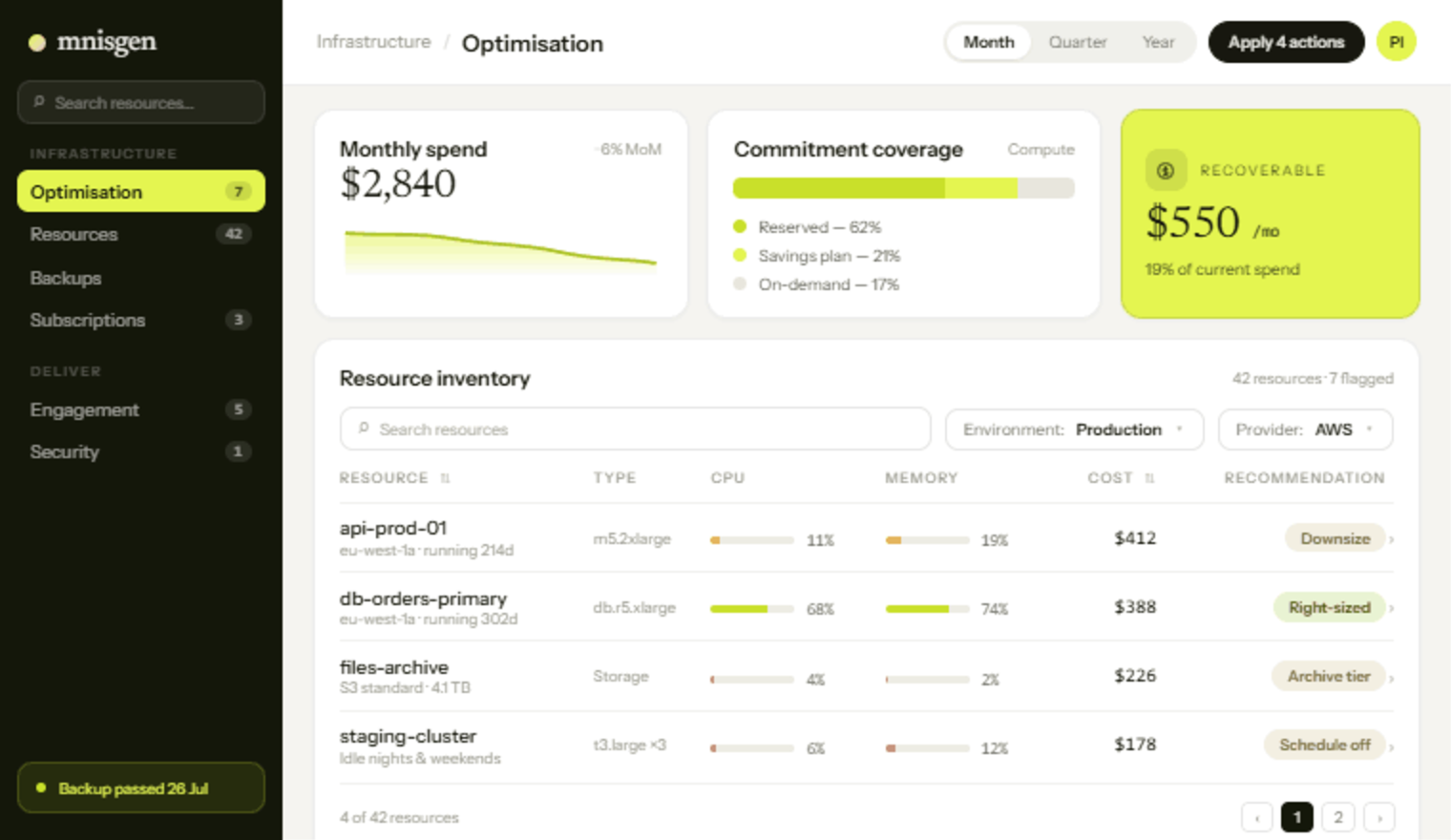
Cloud infrastructure deserves the same pass, and it is usually easier because the provider will tell you. Idle instances, oversized databases, storage in the wrong tier and forgotten staging environments are all visible in the console, with a recommendation attached.