Assembling a clean folder of security evidence solves your first big enterprise buyer review. Six months later, a quieter problem catches up with almost every growing software and services company: every document in that folder decays on a different calendar.
Your cyber-insurance certificate renews in May. Your annual penetration test ages out in August. Your SOC 2 Type II observation period closes in October. And your sub-processor register goes out of date the afternoon an engineer connects a new analytics or AI vendor. Nothing breaks loudly when any of these lapse — until a procurement reviewer opens your packet on a Friday afternoon and freezes a contract over an expired PDF.
How AI-powered trust centers handle document expiration
Modern automated trust centers (and well-built internal compliance pipelines) treat security documents as structured records with enforceable lifecycles rather than static files in a shared drive. Four mechanisms run behind the scenes:
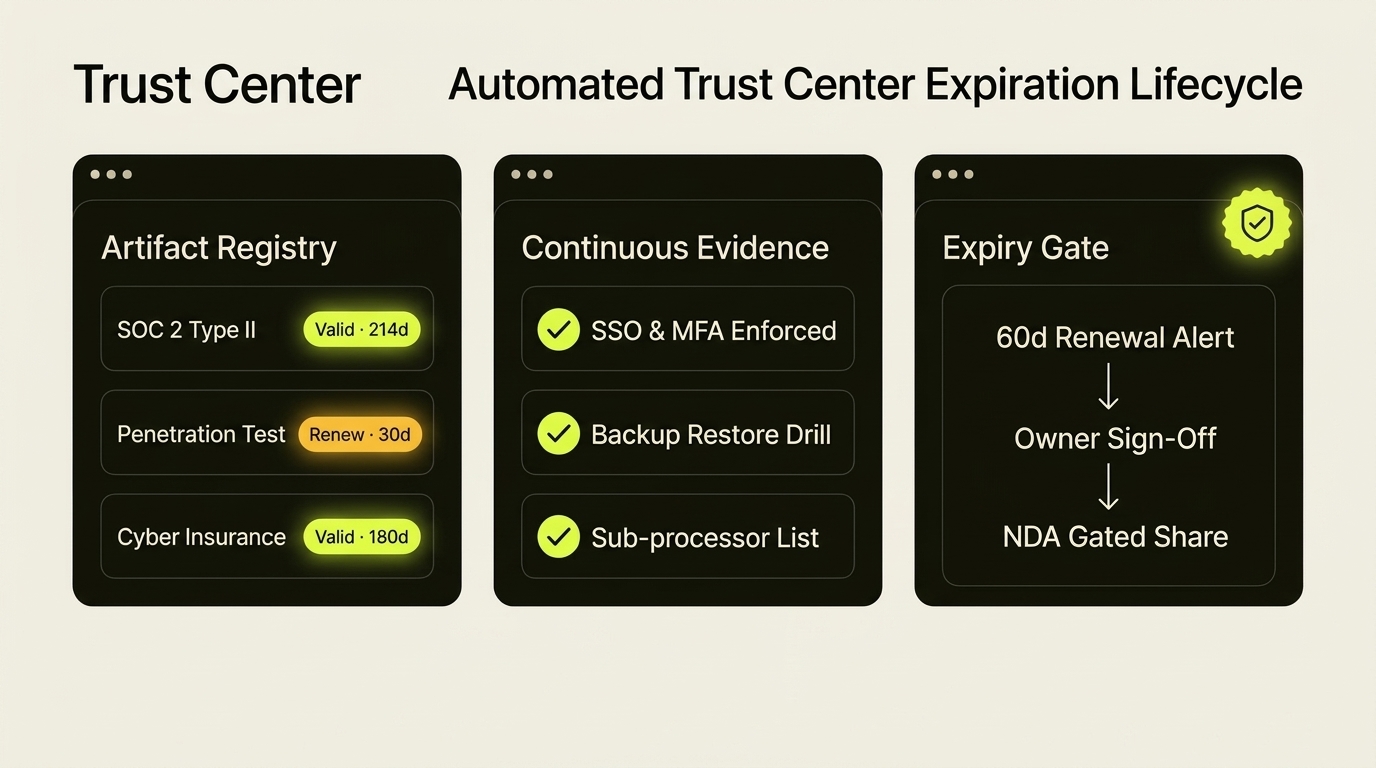
When a certificate, policy, or audit report is uploaded, document-extraction models read the issue date, coverage window, and expiry date directly from the PDF — attaching a structured expiration timestamp, a review cadence, and a named human owner before the file can be published.
An alert on the day a penetration test expires is six weeks too late to book the testers. Automated trust centers fire staged reminders backward from the lead time each artifact actually requires: sixty to ninety days ahead for external audits and pen tests, thirty days for insurance certificates and SOC 2 bridge letters, and fourteen days for internal policy reviews.
AI security-questionnaire responders pull answers from your approved evidence library. When an underlying artifact crosses its expiration date without a verified replacement or bridge letter, the system immediately deprioritizes or quarantines that source — flagging affected questions for human review rather than citing a lapsed certificate to an auditor.
Expiration applies to distributed copies too. Instead of emailing raw PDFs that live permanently in external inboxes, trust centers serve dynamically watermarked documents through time-bounded access tokens — revoking viewer links after fourteen or thirty days and prompting returning buyers to view the current version.
The cleanest way to prevent stale evidence is to stop collecting point-in-time screenshots where an API exists. Pulling MFA enforcement, disk encryption, and backup-restore timestamps daily from AWS, Azure, Google Workspace, or GitHub keeps evidence under twenty-four hours old year-round.
When to buy a trust center platform vs. automate your own
Commercial trust-center platforms earn their keep once your sales team handles dozens of enterprise security reviews every quarter. For a fifteen-to-sixty-person business answering six questionnaires a year, spending fifteen thousand dollars annually on a dedicated portal often costs more than the compliance work itself.
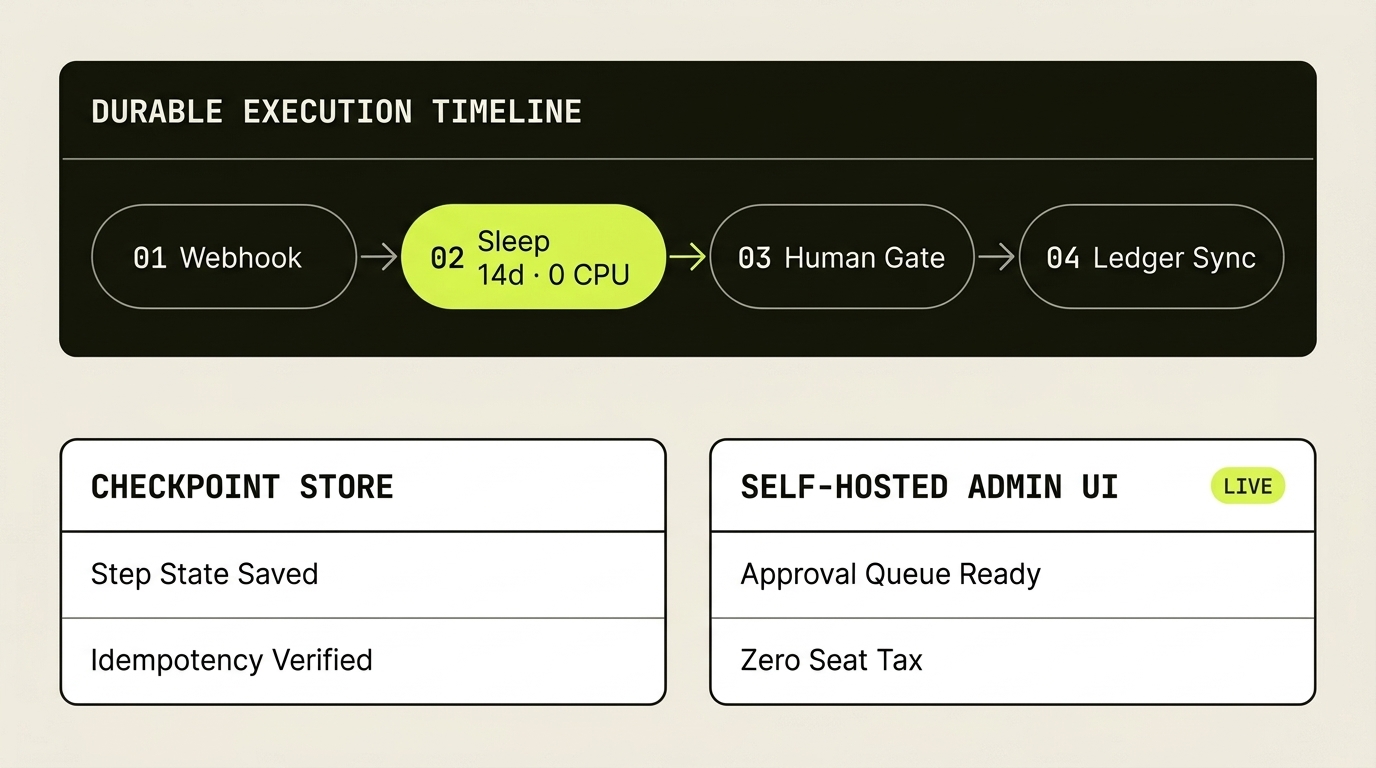
The underlying mechanics are straightforward to own outright: a structured register of compliance artifacts with named owners and explicit expiry dates, a weekly scheduled workflow that opens tasks in Slack, Teams, or Linear at ninety, thirty, and fourteen days before renewal, and a gated section of your existing client portal that serves current evidence under expiring signed URLs.
An expired penetration test in a live trust center tells a buyer two things at once: the report is out of date, and nobody internally is minding the store.
Common questions
How do AI-powered trust centers handle document expiration?
AI-powered trust centers parse issue and validity dates on upload, assign each artifact a named owner and lead-time alert schedule (typically 60–90 days before audits lapse and 14–30 days for policies or certificates), automatically quarantine expired files so AI questionnaire tools cannot cite stale evidence, and revoke outbound buyer links after a fixed viewing window.
What happens when a SOC 2 report reaches the end of its audit window before the next one is issued?
Well-configured trust centers trigger an internal workflow thirty days before the twelve-month mark to issue a signed SOC 2 bridge letter covering the gap between the prior audit period end date and the current date, while keeping the in-progress audit timeline visible to prospective buyers.
Do small B2B companies need dedicated trust center software to stop compliance documents expiring?
Not until deal volume justifies the license fee. A lightweight internal database tracking artifact owners and expiration dates, paired with an automated 60/30/14-day reminder workflow and expiring signed download links in your client portal, delivers the same operational discipline in accounts you own.